
comparison · technology
Raw Printing vs PDF Printing
Quick answer
Use raw output for fast, device-oriented receipts and labels when you control printer language, model compatibility, encoding, and media. Use PDF for portable, visually rich documents that must be archived or printed across many general-purpose printers. Raw offers precise device commands; PDF offers stronger document portability. Neither is universally faster or more reliable without testing the complete path.
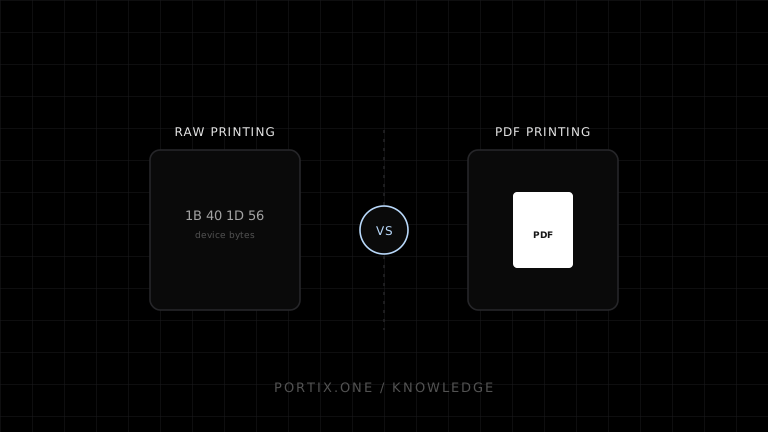
Raw printing sends bytes already expressed in a printer language. PDF printing sends a portable document that a renderer and driver translate for the destination device.
Comparison
| Criterion | Raw printing | PDF printing |
|---|---|---|
| Payload | Device-language bytes | Portable page description |
| Rendering | Prepared by application/printer | PDF renderer, driver, and printer path |
| Device control | Strong when command language supports it | Usually mediated by print settings/driver |
| Portability | Limited by printer compatibility | Broad, but rendering can vary |
| Layout | Command-language constraints | Rich fonts, vectors, and pagination |
| Typical uses | Receipts, labels, cutters, drawers | Invoices, reports, forms, archives |
| Debugging | Inspect bytes, encoding, model commands | Inspect PDF, page size, scaling, driver |
Choose raw printing when
- exact commands for cutting, drawers, sensors, or resident barcodes are needed;
- devices share a validated command dialect and profile;
- small payloads and predictable receipt/label behavior matter;
- the team can maintain encoding and firmware compatibility tests.
Choose PDF printing when
- the document needs complex typography, vector graphics, or multiple pages;
- a stable, viewable artifact must be stored or shared;
- output targets diverse driver-based printers;
- operators can use a standard document-printing workflow.
Common failure modes
Sending incompatible raw bytes can produce gibberish or literal commands. PDF failures often come from wrong page dimensions, scaling, margins, font substitution, rasterization, or driver settings. For both paths, retain an immutable artifact or checksum, a printer profile, and an idempotent job identifier.
References
- RAW data type — Microsoft Learn, accessed Jul 19, 2026
- ESC/POS command reference — Epson, accessed Jul 19, 2026
- PDF specification — PDF Association, accessed Jul 19, 2026
Related content
comparison
ESC/POS vs Windows Printer Drivers
Compare direct ESC/POS output with Windows driver-based printing for receipt devices, layout, compatibility, control, and maintenance.
concept
What Are Print Drivers?
Learn how print drivers expose printer capabilities, convert application output into device-ready data, and affect layout, compatibility, performance, and security.
concept
What Is Raw Printing?
Learn how raw printing sends printer-ready bytes such as ESC/POS, ZPL, PCL, or PostScript without normal document rendering.