
example · frameworks
React Receipt Printer Example
Quick answer
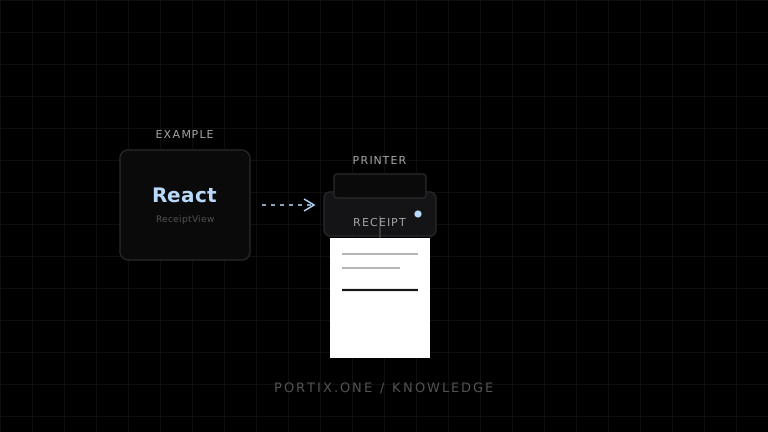
Render an immutable receipt snapshot, wait for fonts, and call window.print() from a user action. Keep device routing behind a service adapter when silent or raw printing is required.
Quick answer
Render an immutable receipt snapshot, wait for fonts, and call window.print() from a user action. Keep device routing behind a service adapter when silent or raw printing is required.
type Receipt = { id: string; items: { id: string; name: string; total: string }[]; total: string };

export function ReceiptView({ receipt }: { receipt: Receipt }) {
  async function print() {
    await document.fonts.ready;
    window.print();
  }
  return <>
    <main className="receipt">
      <h1>Receipt</h1>
      {receipt.items.map(x => <p key={x.id}><span>{x.name}</span> <b>{x.total}</b></p>)}
      <strong>Total {receipt.total}</strong>
    </main>
    <button className="no-print" onClick={print}>Print receipt</button>
  </>;
}
@media print {
  body { margin: 0; }
  .receipt { width: 72mm; }
  .receipt p { display: flex; justify-content: space-between; }
  .no-print { display: none; }
}
For silent or raw printing, submit receipt.id plus a versioned plain-data payload through a local runtime adapter — never send a React component or ref. A documented Portix SDK call for this doesn’t exist yet.
Verify
- Long names wrap without hiding totals.
- Money is preformatted with explicit currency rules.
- One click produces one job.
- Canceling browser print does not mutate the sale.
References
- useRef — React, accessed Jul 21, 2026
Related content
example
Receipt Generator Example
Generate deterministic receipt models for browser, PDF, or ESC/POS rendering without mixing totals, formatting, and transport.
example
Vue POS Example
A Vue POS printing example using immutable receipt data, a composable adapter, guarded submission, and print-specific markup.