
example · applications
Shipping Labels Example
Quick answer
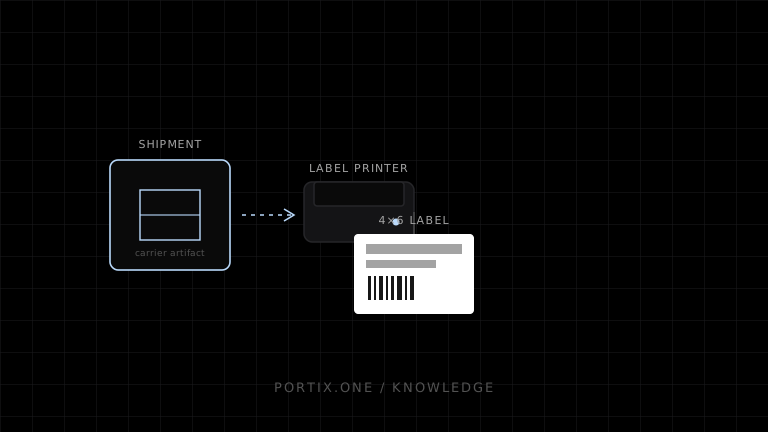
Purchase a carrier label once, preserve the original returned artifact, and print it through a profile matching its format, size, resolution, and printer language. A reprint reuses the artifact; it must not purchase a second shipment.
Quick answer
Purchase a carrier label once, preserve the original returned artifact, and print it through a profile matching its format, size, resolution, and printer language. A reprint reuses the artifact; it must not purchase a second shipment.
type ShippingLabel = {
  shipmentId: string;
  carrierLabelId: string;
  format: "pdf" | "png" | "zpl";
  media: "4x6in";
  sha256: string;
  artifactUrl: string;
};

function printJob(label: ShippingLabel, printerId: string) {
  return {
    id: `${label.carrierLabelId}:${label.sha256}:${printerId}`,
    printerId,
    format: label.format,
    source: label.artifactUrl
  };
}
Validate remote URLs server-side or download through an authorized service; do not let arbitrary browser input make a local runtime fetch internal resources. Preserve the carrier artifact and checksum for audit.
Portix’s supported formats, URL policy, and submit call aren’t documented yet.
Verify
- Printed dimensions are exactly 4 × 6 inches where required.
- Barcode scans and human-readable tracking match.
- Retry does not repurchase postage.
- Void and reprint are distinct audited actions.
- PDF scaling is disabled when appropriate.
Related content
comparison
Raw Printing vs PDF Printing
Compare raw printer commands and PDF printing for receipts, labels, reports, portability, layout, drivers, speed, and maintenance.
guide
How to Build a Warehouse App
Design a warehouse app for receiving, putaway, picking, packing, shipping labels, offline scans, and resilient printing.