
example · frameworks
Vue POS Example
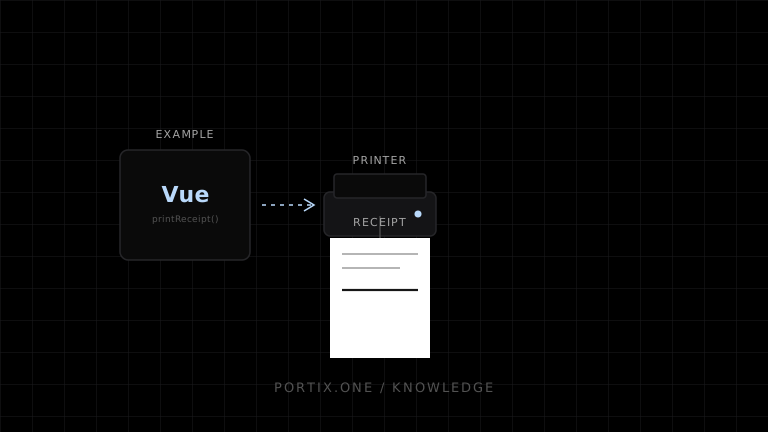
Quick answer
Keep the sale in domain state, create an immutable receipt after checkout, and use a composable to guard printing. The component renders data; the adapter owns browser or local-runtime behavior.
Quick answer
Keep the sale in domain state, create an immutable receipt after checkout, and use a composable to guard printing. The component renders data; the adapter owns browser or local-runtime behavior.
<script setup lang="ts">
import { ref } from "vue";

const props = defineProps<{ receipt: Receipt }>();
const busy = ref(false);

async function printReceipt() {
  if (busy.value) return;
  busy.value = true;
  try {
    await document.fonts.ready;
    window.print();
    // A local-runtime alternative isn't documented yet.
  } finally { busy.value = false; }
}
</script>

<template>
  <article class="receipt">
    <h1>Receipt {{ receipt.id }}</h1>
    <p v-for="item in receipt.items" :key="item.id">
      <span>{{ item.name }}</span><strong>{{ item.total }}</strong>
    </p>
  </article>
  <button class="screen-only" :disabled="busy" @click="printReceipt">Print</button>
</template>
Use a versioned job key such as saleId:receipt:version for a runtime adapter. Never watch reactive cart state and print automatically; a watcher can fire multiple times during checkout.
Verify
- The receipt no longer depends on mutable cart state.
- Double clicks are guarded.
- Long and localized content is tested.
- Payment does not roll back when printing fails.
Related content
example
React Receipt Printer Example
A React receipt example with stable data, print CSS, asset readiness, and a safe local-runtime integration boundary.
guide
How to Build a Retail POS
Plan a retail POS with durable transactions, barcode input, receipt printing, returns, cash-drawer controls, and offline recovery.