
example · applications
Warehouse Scanner Example
Quick answer
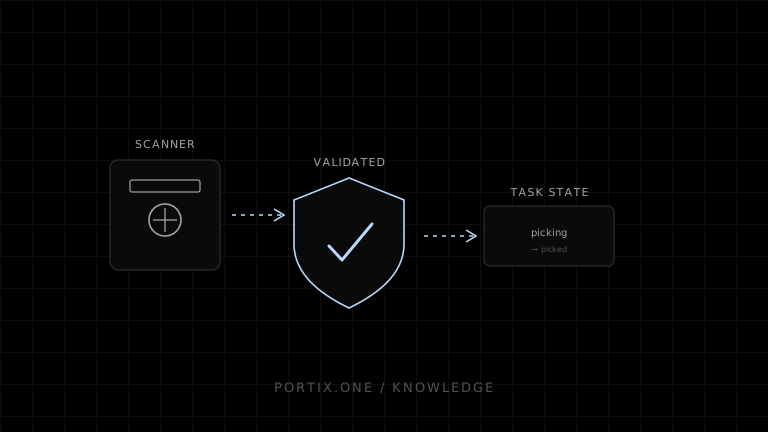
Treat scanner input as data, not as trusted completion. Validate the expected location and item for the current task, attach a unique event ID, and advance state only after acceptance. Queue events durably when offline.
Quick answer
Treat scanner input as data, not as trusted completion. Validate the expected location and item for the current task, attach a unique event ID, and advance state only after acceptance. Queue events durably when offline.
type PickState =
  | { step: "scan-location"; taskId: string; expectedLocation: string }
  | { step: "scan-item"; taskId: string; expectedSku: string }
  | { step: "enter-quantity"; taskId: string; max: number }
  | { step: "complete"; taskId: string };

async function submitScan(taskId: string, rawValue: string) {
  const event = {
    id: crypto.randomUUID(),
    taskId,
    rawValue,
    capturedAt: new Date().toISOString()
  };
  return online ? api.validate(event) : offlineQueue.add(event);
}
Preserve scan order and reject stale tasks during reconciliation. Do not silently convert a server conflict into a completed pick. Packing or shipping-label printing uses a separate immutable shipment artifact, and its local-runtime integration isn’t documented yet.
Verify
- Wrong-location and wrong-item scans cannot advance.
- Duplicate event IDs are harmless.
- Offline restart preserves queued scans.
- Reconciliation surfaces allocation conflicts.
- Label success does not imply dispatch.
Related content
guide
How to Build a Warehouse App
Design a warehouse app for receiving, putaway, picking, packing, shipping labels, offline scans, and resilient printing.
troubleshooting
Barcode Not Printing
Diagnose missing or unreadable printed barcodes by checking symbology, data rules, ESC/POS commands, dimensions, quiet zones, and media.