
guide · applications
How to Build an Inventory System
Quick answer
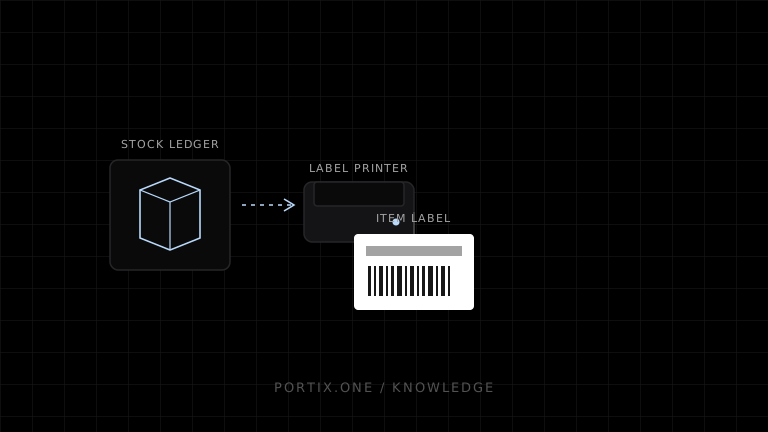
Create an append-only stock movement ledger for receipts, sales, transfers, adjustments, and counts. Identify every item and location explicitly, make scan events idempotent, and print labels from versioned product data. Keep label creation, print submission, and physical application as separate states so a printer retry cannot create a second inventory movement.
Inventory should be calculated from auditable movements, not maintained as an unexplained number that users overwrite.
Data model
At minimum, model:
- product, variant, and unit of measure;
- barcode or other identifier and its symbology;
- location and optional bin;
- lot, serial number, and expiration date where required;
- movement type, signed quantity, timestamp, actor, and source document;
- count sessions and reconciliation adjustments.
The current balance is a projection of accepted movements. Corrections should add reversing or adjustment entries rather than erase history.
Receiving and counting
For receiving, scan the source document, item, lot, and destination; validate each step before committing the movement. For cycle counts, freeze a count scope, conceal the expected quantity when appropriate, record observations, then approve any variance as a distinct adjustment.
type StockMovement = {
  id: string;
  productId: string;
  locationId: string;
  quantityDelta: number;
  reason: "receipt" | "sale" | "transfer" | "adjustment";
  sourceId: string;
};
Label workflow
Choose a label template by printer, media, and purpose. Validate that human-readable text matches the encoded value. Store the template version and source data with the print job. For serialized assets, prevent the same serial identifier from being issued twice even if the print request is retried.
Offline and concurrency rules
Assign globally unique event IDs on the client, queue them durably, and let the server reject duplicates. Decide whether negative inventory is allowed and surface conflicts when two devices act on the same constrained stock. Do not treat a printed label as proof that stock was received or placed.
Portix integration boundary
Portix can only be described in more detail once its official label formats, printer routing, job status, and authentication behavior are documented — that reference doesn’t exist yet.
Launch checklist
- Every quantity change has a source and actor.
- Duplicate scans and submissions are harmless.
- Units, lots, serials, and expiration rules are tested.
- Label content is verified with scanners.
- Offline reconciliation preserves event history.
- Access controls cover adjustments and reprints.
Related content
concept
ESC/POS Barcodes
Learn how ESC/POS printers generate one-dimensional barcodes, including symbology, data validation, module width, height, HRI text, quiet zones, and verification.
concept
Label Printers Explained
Learn how label printers handle media, sensing, resolution, barcodes, ribbons, adhesives, and software for shipping, inventory, product, and asset labels.
guide
How to Build a Warehouse App
Design a warehouse app for receiving, putaway, picking, packing, shipping labels, offline scans, and resilient printing.