
pillar · printing-infrastructure
How Local Printing Runtimes Work
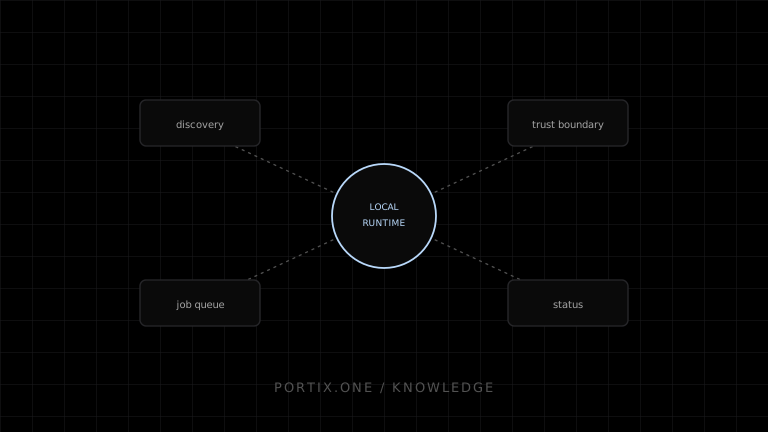
Quick answer
The browser connects to a loopback endpoint, authenticates or pairs, discovers authorized printers, and submits typed jobs. The runtime validates the origin and payload, routes output through a driver, spooler, network socket, USB, or other supported transport, and reports defined job states. This capability requires secure installation, updates, revocation, logging, and failure recovery.
A local printing runtime is installed endpoint software that exposes a narrow bridge between a web application and operating-system or directly connected printers.
Core components
- Browser SDK: connection, authentication, discovery, submission, and events.
- Loopback protocol: commonly HTTP/WebSocket variants bound to the local machine.
- Trust service: origin authorization, certificates, signatures, tokens, or managed policy.
- Job validator: payload types, sizes, destinations, and privileged commands.
- Printer registry: maps stable runtime identities to OS queues or transports.
- Dispatcher and queue: orders work, applies idempotency, and records attempts.
- Adapters: driver printing, raw queue, network socket, USB, or other supported paths.
- Updater and diagnostics: secure lifecycle, health, version, and safe logs.
Connection lifecycle
The application detects the runtime, negotiates a supported protocol, establishes trust, and subscribes to health or job events. It should expose connecting, ready, degraded, and offline states. Reconnection uses bounded exponential backoff; it does not blindly resubmit jobs.
Printer discovery and identity
Display names are not reliable identifiers. Multiple workstations may have “Receipt Printer,” and an operating system may create a new queue after reconnection. Store a runtime-provided stable ID with workstation, transport, model, media profile, and human-readable name. Rebinding should be an authorized setup action.
Job submission
type RuntimeJob = {
  id: string;
  printerId: string;
  contentType: "pdf" | "image" | "raw" | "receipt" | "label";
  payload: unknown;
  createdAt: string;
};
The application persists the logical job first. The runtime rejects duplicates or returns their known state. Size limits, remote URL behavior, timeouts, concurrency, ordering, retention, and acknowledgment semantics must be documented.
Security boundary
Loopback is not automatically trusted. Malicious websites can attempt to reach local ports. The runtime should validate exact origins, authenticate sessions, isolate tenants, apply least privilege, constrain file/URL access and raw commands, protect logs, and make trust revocable. It should not run with unnecessary administrator rights.
Status and observability
Define each state: received by SDK, authenticated, accepted by runtime, queued locally, submitted to OS/device, failed, canceled, or unknown. Device-confirmed printing may not be available. Logs should use correlation IDs and error codes without storing confidential documents by default.
Deployment and operations
Organizations need signed installers, unattended deployment options, supported OS versions, proxy and certificate guidance, automatic-update policy, rollback behavior, version compatibility, health monitoring, and clean uninstall. Sleep, logout, multi-user sessions, and locked-down devices need explicit tests.
Portix publication gate
All specific Portix claims — including endpoint, ports, pairing, printer IDs, payloads, raw support, status, offline queue, logs, updates, supported platforms, and licensing — aren’t documented yet.
Troubleshooting map
Related content
concept
What Is a Local Printing Runtime?
Learn how a local printing runtime securely connects web applications to printers for routing, raw commands, queues, status, retries, and silent printing.
concept
What Is WebSocket Printing?
Learn how a browser uses a persistent WebSocket connection to a trusted local or remote printing service for jobs, status, reconnects, and acknowledgments.
troubleshooting
Printing Runtime Disconnected
Recover from a disconnected local printing runtime without losing jobs or creating duplicate receipts and labels.
troubleshooting
Unable to Connect to Localhost Printing
Diagnose browser-to-local-runtime connection failures involving process state, address, TLS, ports, origin policy, and endpoint security.