
troubleshooting · browser-printing
Browser Print Dialog Always Opens
Quick answer
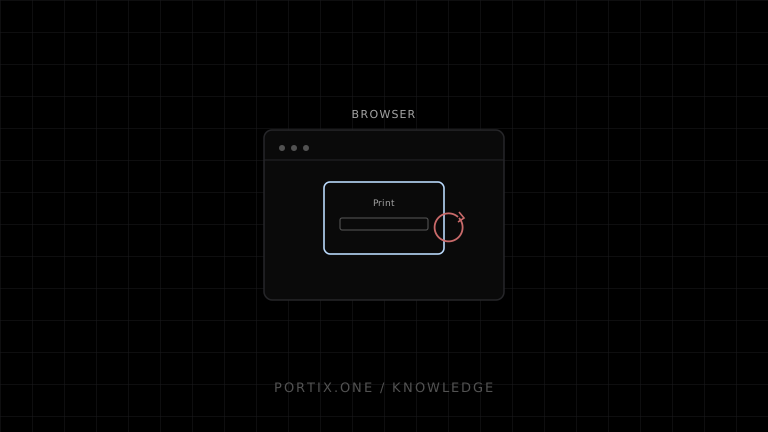
This is normally expected behavior. window.print() starts the browser's interactive printing workflow; ordinary web content cannot force a printer or bypass the dialog. If a managed POS, kiosk, or warehouse station needs silent routing, use an administrator-controlled browser policy, packaged application, or authenticated local printing runtime.
Diagnose it
- Confirm the code calls
window.print()rather than a local-runtime API. - Test a minimal page with extensions disabled.
- Check whether the device is intended to be a managed kiosk.
- Verify that any silent-print policy is supported and centrally controlled.
- If using a local printing runtime such as Portix, verify its connection and configured printer routing.
Do not loop, auto-click, or disguise the dialog. Those workarounds are unreliable and undermine user control.
Correct fixes
- Keep the dialog for occasional documents and let the user confirm settings.
- Use print CSS to improve the preview; CSS cannot suppress it.
- For operational printing, send an idempotent job through a trusted local component.
- Restrict silent printing to approved origins, users, devices, and job types.
Verify
Print once from a user action, confirm the expected path is selected, and check that canceling does not trigger retries. A returned call or afterprint event is not proof that paper printed.
References
- Window.print() — MDN, accessed Jul 21, 2026
Related content
concept
What Is Silent Printing?
Learn what silent printing means, why normal browsers require confirmation, and how trusted kiosks, local runtimes, native apps, and managed services enable it safely.
troubleshooting
Browser Blocks Printing
Troubleshoot blocked browser printing caused by missing user activation, pop-up behavior, sandboxed frames, permissions policy, or enterprise controls.