
troubleshooting · esc-pos
ESC/POS Characters Are Broken
Quick answer
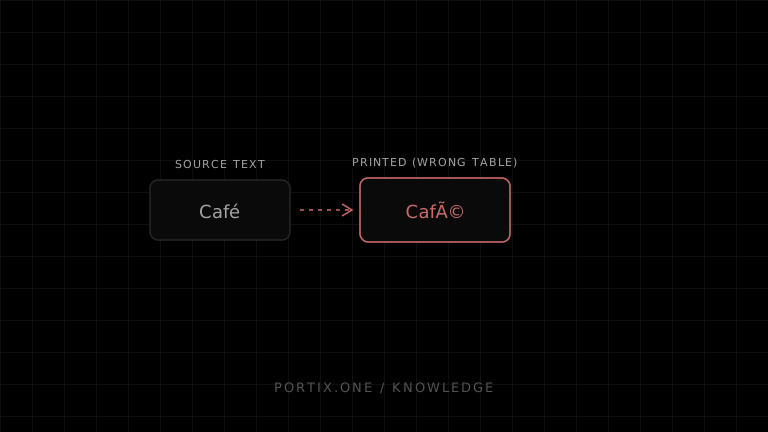
JavaScript strings are Unicode, but many ESC/POS printers expect bytes from a selected legacy code page. Choose a code page supported by the exact printer, send its selection command, encode text into that page, and verify the printed result. Rasterize only text that cannot be represented and whose visual fidelity justifies the cost.
Diagnose it
- Record the intended characters and their Unicode code points.
- Print the device self-test to identify available code tables.
- Check the active international character set and code page.
- Inspect the generated byte sequence—not only the source string.
- Confirm no JSON, Base64, or text conversion changes raw bytes.
- Test the same bytes directly against the printer.
Common mistakes
- Sending UTF-8 to a printer expecting a single-byte table.
- Selecting a table number from another printer model.
- Assuming CP437, CP850, or Windows-1252 contain identical glyphs.
- Using a resident font that lacks the selected glyph.
- Splitting a multibyte sequence during chunking.
Robust strategy
Declare the receipt language, find a printer-profile encoding that covers it, reject or replace unrepresentable characters explicitly, and keep golden byte-and-paper tests. For multilingual scripts, use printer-supported Unicode where documented or rasterized text with tested width and readability.
References
- ESC/POS command reference — Epson, accessed Jul 21, 2026
Related content
concept
ESC/POS Character Encoding
Learn why ESC/POS text prints as incorrect symbols and how code pages, international sets, Unicode, byte encoding, fonts, and rasterization affect multilingual receipts.
troubleshooting
Printer Prints Gibberish
Fix unreadable printer output caused by the wrong command language, raw-versus-driver mismatch, encoding, transport, or corrupted bytes.