
troubleshooting · esc-pos
Receipt Paper Cuts Too Early
Quick answer
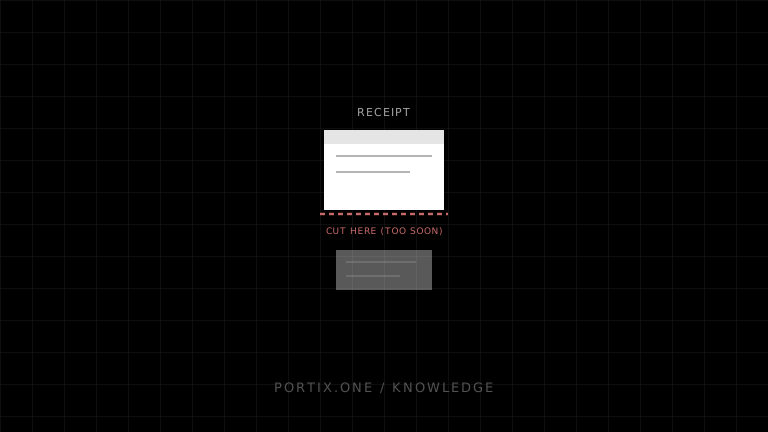
Inspect the final byte stream and ensure exactly one cut command appears after all text, images, and barcodes. Confirm image or QR length calculations, await every asynchronous rendering step, and submit the receipt as one ordered job. Do not append content after a template-level cut command.
Diagnose it
- Reproduce with a short plain-text receipt.
- Capture the generated bytes in hexadecimal.
- Search for every cut command and record its offset.
- Remove sections until the premature cut disappears.
- Check whether a reusable footer, library, or printer profile adds a cut.
- Verify binary payloads are not truncated by incorrect length fields.
- Ensure asynchronous image/QR generation finishes before finalization.
Frequent causes
- Both the template and transport append a cut.
- An embedded binary sequence is malformed and changes command parsing.
- Multiple chunks are submitted as independent jobs, each auto-cutting.
- A driver or printer preference cuts at document boundaries.
- The application closes the job before later content is ready.
Correct pattern
Build an immutable command buffer, append feed lines required by the device, append one documented full or partial cut, then submit once with an idempotent job ID.
Verify
Test receipts with and without images, QR codes, long text, and maximum-width content. Confirm one cut after the final line across repeated and concurrent jobs.
Related content
concept
ESC/POS Commands Explained
Understand ESC/POS command bytes, parameters, printer state, buffers, command families, status, cutting, and safe command construction.
troubleshooting
Receipt Paper Never Cuts
Troubleshoot missing receipt cuts across hardware capability, ESC/POS commands, driver settings, feed distance, job truncation, and cutter faults.