
troubleshooting · printing-infrastructure
Print Permission Denied
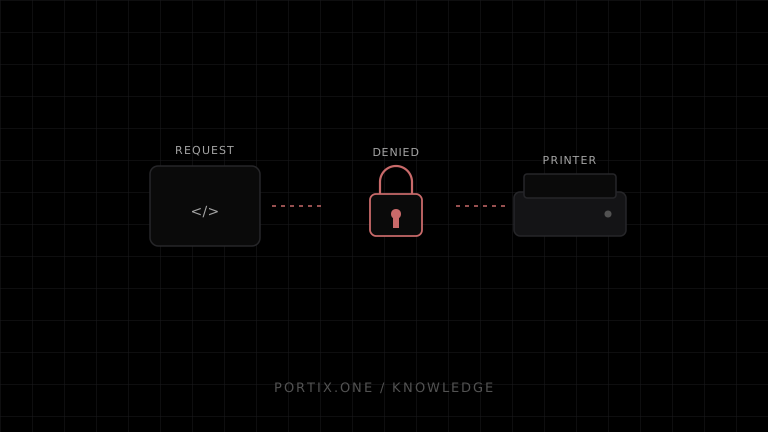
Quick answer
Identify which layer denied the request: application authorization, local-runtime trust, operating-system queue access, filesystem access for the artifact, or network-printer credentials. Preserve the exact error and correlation ID. Grant the narrowest necessary permission; never solve it by running everything as administrator.
Diagnose by layer
| Layer | Check |
|---|---|
| Application | User role, tenant, station, job type, and printer assignment |
| Browser/runtime | Origin pairing, certificate/signature, session, token scope |
| Operating system | Service account and printer ACL |
| Artifact | Runtime can read temporary file or download URL |
| Network | Printer/share credentials and access policy |
Compare a working and failing user on the same workstation, then the same user on a working workstation. This distinguishes identity policy from endpoint configuration.
Correct fixes
- Reauthenticate or renew an expired credential through the official flow.
- Pair or approve the exact origin, not a wildcard.
- Assign the printer to the correct station or role.
- Give the runtime service account access only to required queues/resources.
- Remove stale cached authorization only through a documented reset.
Portix evidence needed
Error codes, pairing, token scope, origin matching, OS service identity, permission reset, and audit events aren’t documented yet.
Verify
Confirm the intended user can print, an unauthorized user cannot, and logs record both outcomes without sensitive payload content.
Related content
concept
Browser Printing Security
Learn the trust boundaries, threats, privacy risks, and practical controls involved when a website prints through a browser or a local printing integration.
concept
What Is a Local Printing Runtime?
Learn how a local printing runtime securely connects web applications to printers for routing, raw commands, queues, status, retries, and silent printing.
troubleshooting
Printer Not Found
Troubleshoot a missing printer across power, connection, operating-system queues, drivers, runtime discovery, identity, and permissions.