
troubleshooting · printing-infrastructure
Printing Runtime Disconnected
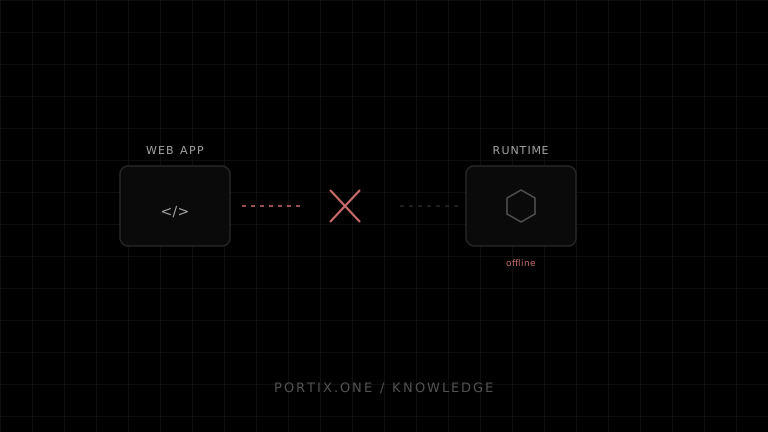
Quick answer
Stop new submissions, preserve pending jobs with stable IDs, determine whether the browser, runtime process, computer, or network path failed, then reconnect with bounded backoff. Reconcile job state before retrying so a brief disconnect does not duplicate output.
Diagnose it
- Check whether only one tab, one workstation, or all workstations are affected.
- Confirm the runtime is still running and healthy.
- Inspect browser and runtime timestamps around the disconnect.
- Check sleep, user sign-out, upgrade, certificate expiry, port collision, and security software.
- Verify client/runtime protocol versions.
Recovery pattern
Use connection states such as connecting, ready, degraded, and offline. Queue immutable jobs durably. Reconnect with exponential backoff plus jitter, authenticate again, request known job status where supported, and retry only jobs whose disposition is safe.
Never translate “socket closed” into “job failed.” The runtime may have accepted the job before the connection disappeared.
Prevent recurrence
- Add health and version telemetry without logging sensitive document content.
- Pause submissions during runtime upgrades.
- Handle workstation sleep and network changes explicitly.
- Alert after a bounded outage instead of retrying forever.
Portix evidence needed
Reconnect semantics, durable queue ownership, status lookup, idempotency, heartbeat, upgrade behavior, and log locations aren’t documented yet.
Verify
Disconnect during each job phase and confirm recovery produces neither loss nor duplicates.
Related content
concept
What Is a Print Queue?
Learn how print queues organize jobs, destinations, states, priorities, retries, and operator actions—and how a queue differs from a spooler.
concept
What Is WebSocket Printing?
Learn how a browser uses a persistent WebSocket connection to a trusted local or remote printing service for jobs, status, reconnects, and acknowledgments.
troubleshooting
Unable to Connect to Localhost Printing
Diagnose browser-to-local-runtime connection failures involving process state, address, TLS, ports, origin policy, and endpoint security.