
troubleshooting · printing-infrastructure
Unable to Connect to Localhost Printing
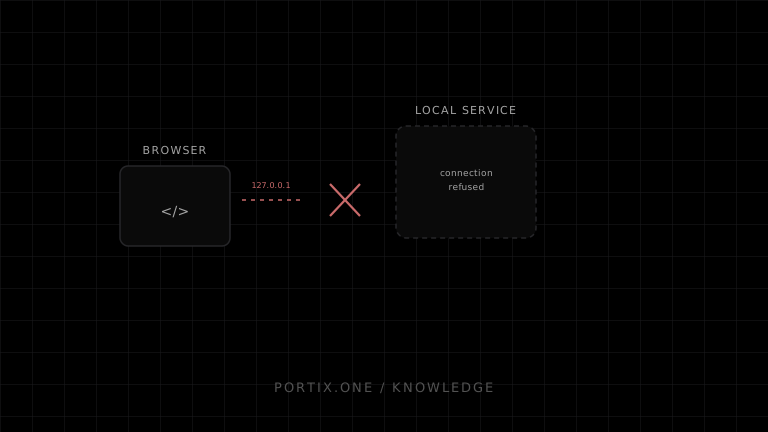
Quick answer
Confirm the local runtime is running, the application uses the documented loopback address, scheme, and port, and endpoint security is not blocking it. Then inspect TLS trust, origin authorization, and protocol compatibility. Do not disable browser security or firewall protection as a permanent fix.
Diagnose in order
- Verify the runtime process and service status locally.
- Confirm the exact URL:
localhostand127.0.0.1can be treated differently. - Check HTTP versus HTTPS and WebSocket versus secure WebSocket.
- Verify the configured port is listening and not owned by another process.
- Inspect the browser console and network panel for refusal, TLS, mixed-content, CORS, or WebSocket errors.
- Confirm the application origin is paired or allowlisted.
- Check firewall, antivirus, proxy, VPN, and device-management policy.
- Compare application SDK and runtime versions.
Error clues
| Symptom | Likely area |
|---|---|
| Connection refused | Runtime stopped, wrong port, or no listener |
| Certificate error | Local TLS certificate or trust problem |
| Mixed content | Secure page calling an insecure endpoint |
| 401/403 | Authentication or origin authorization |
| Opens then closes | Protocol/version mismatch or runtime crash |
Portix evidence needed
The official endpoint, ports, certificates, pairing flow, logs, proxy behavior, and supported version combinations aren’t documented yet.
Verify
Reconnect after a clean runtime restart, submit one harmless test job, and confirm an unrelated origin cannot connect.
Related content
concept
Localhost Printing Explained
Learn how a web application connects to a local printing service over loopback using HTTP or WebSocket, including pairing, origins, TLS, permissions, status, and recovery.
concept
What Is WebSocket Printing?
Learn how a browser uses a persistent WebSocket connection to a trusted local or remote printing service for jobs, status, reconnects, and acknowledgments.
troubleshooting
Printing Runtime Disconnected
Recover from a disconnected local printing runtime without losing jobs or creating duplicate receipts and labels.